X Content Calendar: A Weekly System for Creators
A content calendar is not only a list of posts. It is a planning surface that helps you balance topics, avoid repeating the same angle, and keep publishing even when the week gets busy.
What you will learn
An X content calendar gives your week structure while still leaving room for live conversation. It helps creators avoid random posting and build a repeatable publishing rhythm.
This guide explains how to plan buckets, choose posting intent, and review your calendar before content goes live.
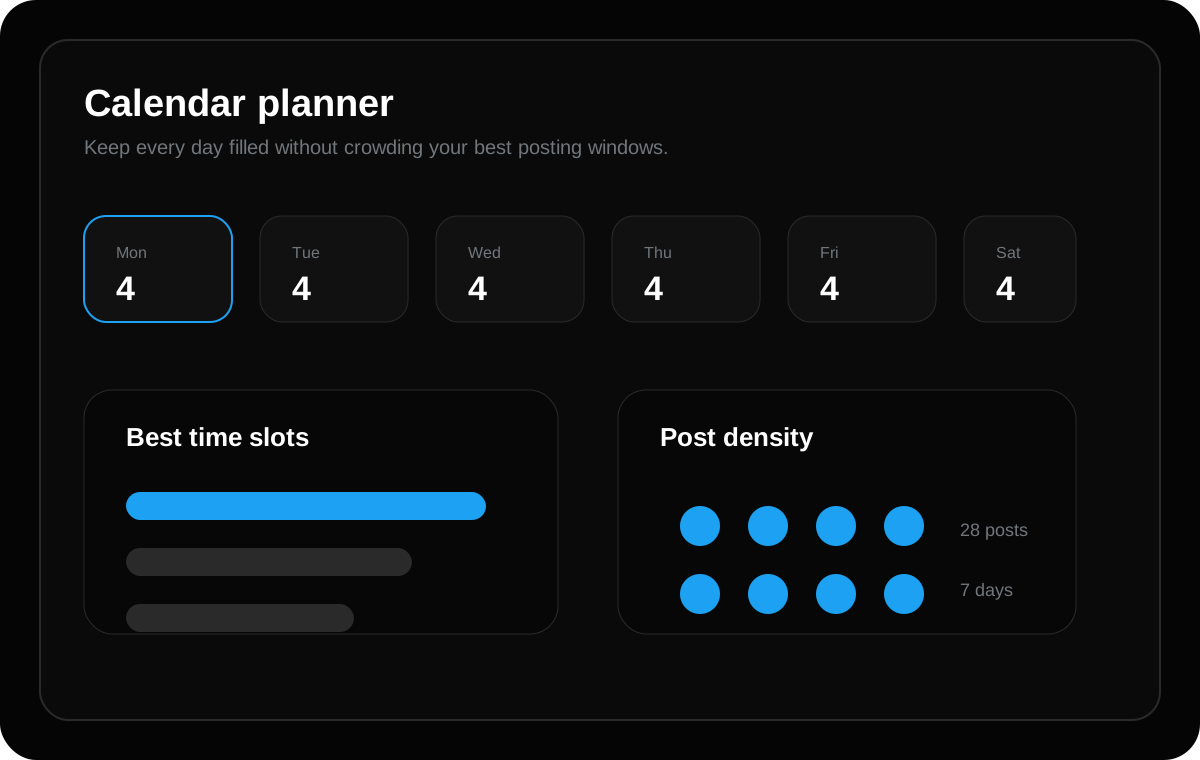
Give every day a role
Assign simple themes to the week. Monday can be lessons, Tuesday can be product education, Wednesday can be behind-the-scenes, Thursday can be opinion, and Friday can be recap or proof.
Themes reduce blank-page pressure because you already know what kind of post you are writing before you open the composer.
Batch ideas before scheduling
Write rough ideas first. Do not worry about perfect wording while collecting them. Once the idea bank is ready, choose the best posts and rewrite them for clarity.
This two-step process keeps planning creative and scheduling operational, which makes the workflow faster.
Keep space for timely posts
A good calendar should not be packed so tightly that you cannot react to launches, customer feedback, or trending conversations. Leave a few open slots each week.
The best schedule gives you consistency without making the account feel automated.
Build your calendar around content buckets
Content buckets are repeatable categories that make planning easier. Useful buckets include lessons, mistakes, behind-the-scenes notes, product education, opinions, questions, proof, and customer pain points.
Pick four to six buckets and assign them across the week. This prevents your content from becoming one-dimensional and helps your audience understand what your account is about.
Create a weekly review ritual
Before the week starts, review the full calendar. Look for repeated words, repeated hooks, missing topics, weak calls to action, and posts that do not match your current goals.
This review ritual is where the calendar becomes valuable. The goal is not just to publish more. The goal is to publish a better sequence.
Example weekly structure
Monday can teach one practical lesson. Tuesday can share a founder or creator note. Wednesday can publish a checklist. Thursday can ask a question. Friday can recap a result or insight. Weekend posts can be lighter, more personal, or experimental.
The exact structure should match your audience, but starting with a simple rhythm makes consistency much easier.
Quick checklist
- Assign daily themes
- Batch ideas first
- Rewrite hooks second
- Leave open slots
- Review the full week before publishing
Frequently asked questions
Should I schedule every post on X?
No. Schedule planned educational posts, product updates, launch reminders, and recurring content. Keep space for live replies, timely opinions, and real conversations so your account still feels active and human.
Does longer content always rank better on Google?
No. Length alone is not the goal. A longer article helps only when it gives a more complete, useful, and satisfying answer. The content should cover the topic deeply without adding filler.
Can AI write my X posts for me?
AI can draft hooks, variations, and content calendars, but you should still review the final post for accuracy, tone, and originality before scheduling it.
Plan these ideas inside TweetQueue
Turn the checklist into scheduled posts, review the week, and keep your X content consistent without rushing every day.
Start Scheduling Free