How to Schedule Posts on X Without Losing Your Voice
Scheduling posts on X is not only about choosing a time. The best workflow helps you collect ideas, write stronger hooks, review your tone, and publish consistently without sounding automated.
What you will learn
Scheduling posts on X works best when it supports a human content system: plan the week, write with intent, review before publishing, and leave space for live engagement.
This guide shows how to schedule posts without losing your voice, over-automating your account, or filling your queue with low-value content.
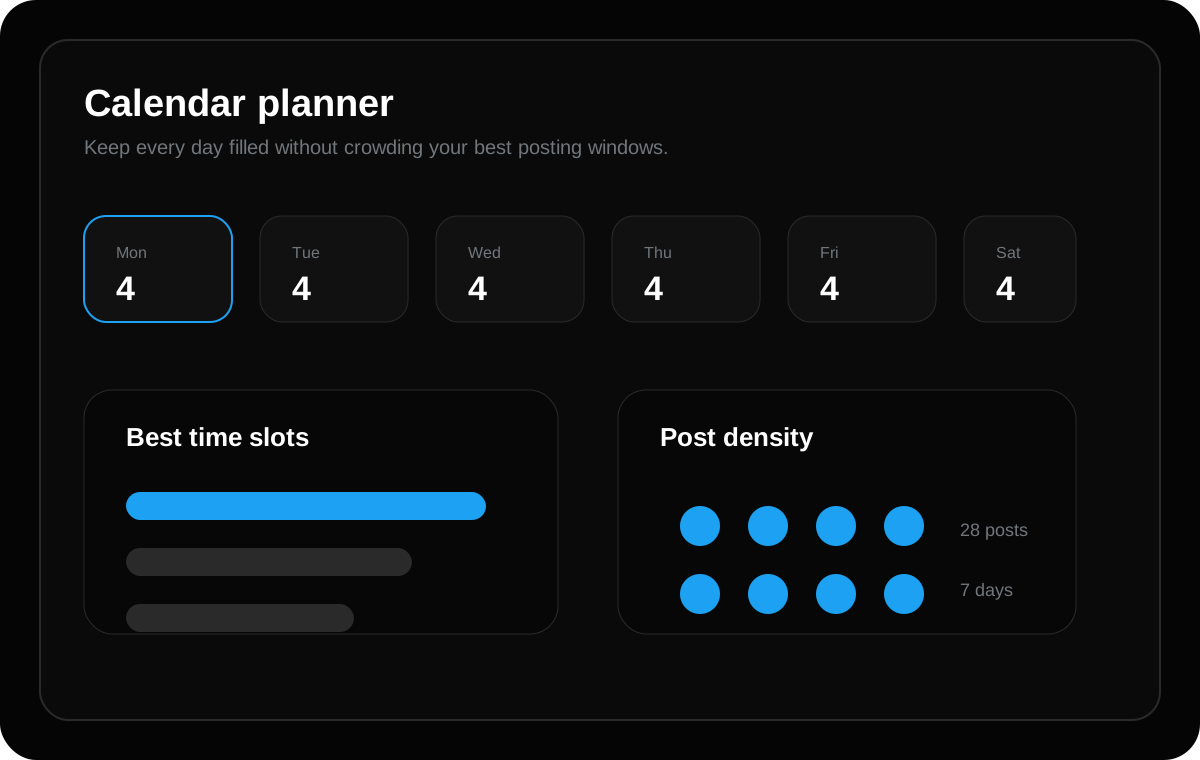
Start with a weekly content queue
A weekly queue gives you a clear view of what is going out before your audience sees it. Instead of writing one rushed post every morning, you can plan the full week and check whether the ideas connect to your goals.
For creators, founders, and SaaS teams, this also reduces repeated topics. You can balance educational posts, product updates, behind-the-scenes notes, questions, and short opinions across the week.
Write for people first, then optimize for search
Google recommends helpful, reliable, people-first content instead of pages created mainly to manipulate ranking. That same rule applies to X content: the post should help the reader first, not just contain keywords.
A useful post usually answers one clear question, shares one real lesson, or gives one practical step. Scheduling should protect that quality, not replace it.
Use AI as an assistant, not an autopilot
AI can help turn raw notes into hooks, outlines, and post variations. But the final review should still be human. Check the promise, accuracy, tone, and whether it sounds like your account.
TweetQueue is designed around this idea: plan faster, review clearly, and publish with control.
Step-by-step: schedule a week of X posts
Start with a simple weekly goal. For example, your goal might be to teach your audience about a feature, build trust around your expertise, or collect replies around a new idea. Every scheduled post should support that goal.
Create five to ten post drafts before you choose timing. This makes the queue easier to balance because you can compare ideas side by side instead of publishing the first thing you write.
Place your strongest posts in your most important time windows. Use lighter updates, questions, or experiments in secondary windows. This gives your best content the best chance to perform.
What to check before a scheduled post goes live
Read the post as if you are seeing it for the first time. Does the first line create interest? Is the promise clear? Is the post specific enough to feel useful? If the answer is no, rewrite before scheduling.
Also check timing. A post that made sense on Monday may feel strange if it publishes after a product issue, news event, or major audience conversation. A good scheduler should make it easy to pause and adjust.
A simple posting mix for beginners
A healthy week can include two educational posts, one personal lesson, one question, one product or project update, and one recap. This gives your audience variety without making planning too complicated.
Once you have analytics, you can adjust the mix. If questions create more replies, add more discussion prompts. If educational posts drive profile visits, create more practical guides and threads.
Quick checklist
- Collect raw ideas before writing posts
- Create a balanced weekly queue
- Review every scheduled post for tone and accuracy
- Use AI for drafts, not blind publishing
- Track which posts create replies, clicks, and profile visits
Frequently asked questions
Should I schedule every post on X?
No. Schedule planned educational posts, product updates, launch reminders, and recurring content. Keep space for live replies, timely opinions, and real conversations so your account still feels active and human.
Does longer content always rank better on Google?
No. Length alone is not the goal. A longer article helps only when it gives a more complete, useful, and satisfying answer. The content should cover the topic deeply without adding filler.
Can AI write my X posts for me?
AI can draft hooks, variations, and content calendars, but you should still review the final post for accuracy, tone, and originality before scheduling it.
Plan these ideas inside TweetQueue
Turn the checklist into scheduled posts, review the week, and keep your X content consistent without rushing every day.
Start Scheduling Free