Best Time to Post on X: Build a Schedule That Learns
There is no universal best time to post on X. Audience location, topic, content format, and posting consistency all change the answer. The best approach is to build a schedule that tests windows and improves from real results.
What you will learn
This guide is for creators, founders, marketers, and SaaS teams that want a practical way to plan better X content without turning their account into a robotic posting machine.
The goal is to give you a repeatable workflow: collect ideas, turn them into useful posts, schedule intentionally, review quality, and use analytics to improve the next batch.
Start with repeatable time blocks
Pick two or three posting windows you can maintain for at least two weeks. Morning, afternoon, and evening windows usually give enough variety without making the calendar hard to manage.
The goal is not to guess the perfect hour immediately. The goal is to create enough consistent data so you can compare windows fairly.
Compare formats separately
A quick opinion post and a deep thread behave differently. If you compare all posts together, the timing data can become noisy. Track format, topic, and time together.
When a time slot works for one format, test that format again before moving your entire schedule.
Use a queue to protect consistency
Manual posting creates gaps because busy days interrupt the habit. A queue lets you prepare ideas in batches, spread them across the week, and keep the test running.
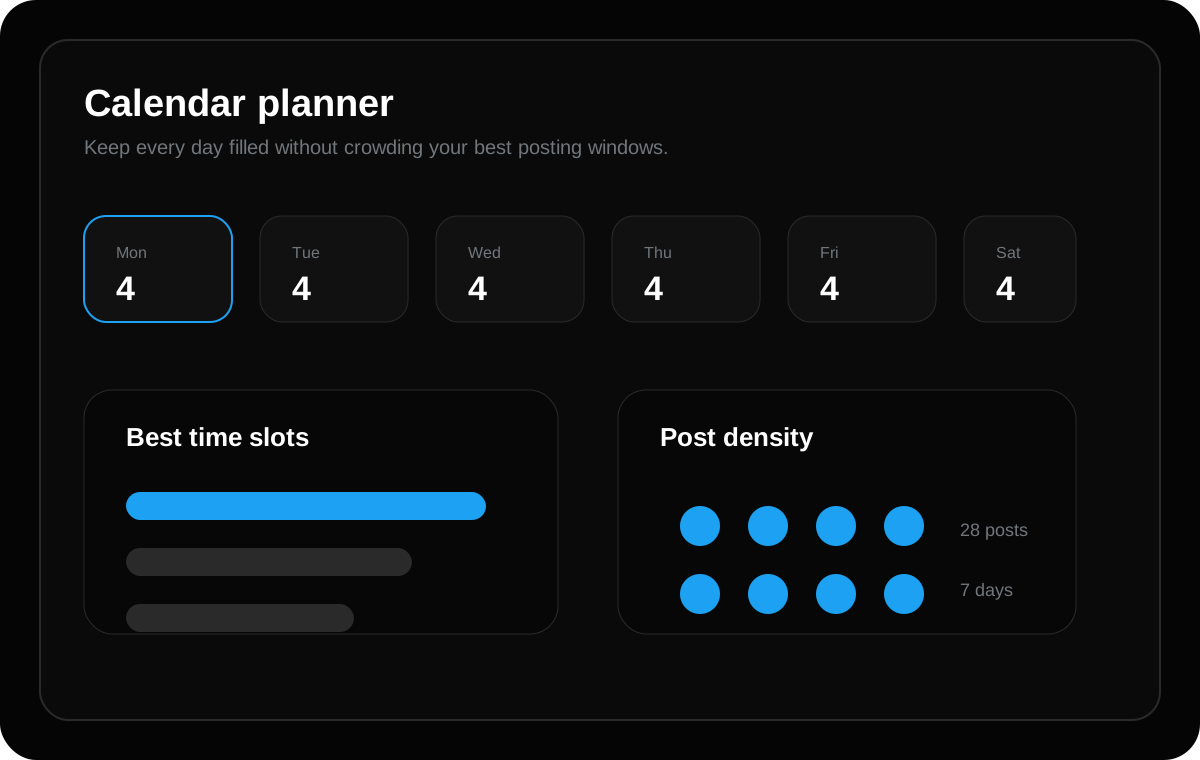
TweetQueue helps you see whether the week is balanced before you publish, which makes timing experiments much easier to run.
A practical workflow you can use today
Start by writing down ten rough ideas from your real work: customer questions, product decisions, lessons learned, screenshots, mistakes, launch updates, and opinions you keep repeating in conversations. These raw ideas are more valuable than generic prompts because they come from your actual experience.
Next, turn each idea into one clear post angle. A single idea can become a short lesson, a question, a checklist, a mini-story, or a product note. Choosing the angle before writing keeps the post focused and makes the final queue easier to review.
Finally, schedule the strongest posts into a weekly queue. Do not fill every slot just because you can. A smaller queue of strong posts usually performs better than a crowded queue of weak content.
Common mistakes to avoid
The biggest mistake is creating posts only because a keyword looks attractive. Search visibility matters, but readers stay when the page or post actually helps them solve a problem. Useful content should answer the search intent completely and give examples the reader can apply.
Another mistake is using the same hook style every day. Repeated patterns make an account feel automated. Mix direct lessons, questions, short stories, mistakes, proof points, and practical checklists so the feed feels human.
Do not publish AI output without review. AI is helpful for brainstorming and rewriting, but your final post should still sound like your account and match what you actually believe.
How TweetQueue fits into this system
TweetQueue helps you move from random posting to an organized publishing workflow. Instead of guessing what to post every day, you can prepare ideas, review your weekly queue, and schedule content around the windows that matter most to your audience.
The best use of TweetQueue is not blind automation. It is controlled consistency. You stay responsible for the message, while the system helps you publish on time and keep your content calendar clean.
Quick checklist
- Choose 2-3 time windows
- Test for at least two weeks
- Track topic and format
- Avoid changing every variable at once
- Review winners weekly
Frequently asked questions
Should I schedule every post on X?
No. Schedule planned educational posts, product updates, launch reminders, and recurring content. Keep space for live replies, timely opinions, and real conversations so your account still feels active and human.
Does longer content always rank better on Google?
No. Length alone is not the goal. A longer article helps only when it gives a more complete, useful, and satisfying answer. The content should cover the topic deeply without adding filler.
Can AI write my X posts for me?
AI can draft hooks, variations, and content calendars, but you should still review the final post for accuracy, tone, and originality before scheduling it.
Plan these ideas inside TweetQueue
Turn the checklist into scheduled posts, review the week, and keep your X content consistent without rushing every day.
Start Scheduling Free